
How to Get Great Podcast Audio Quality
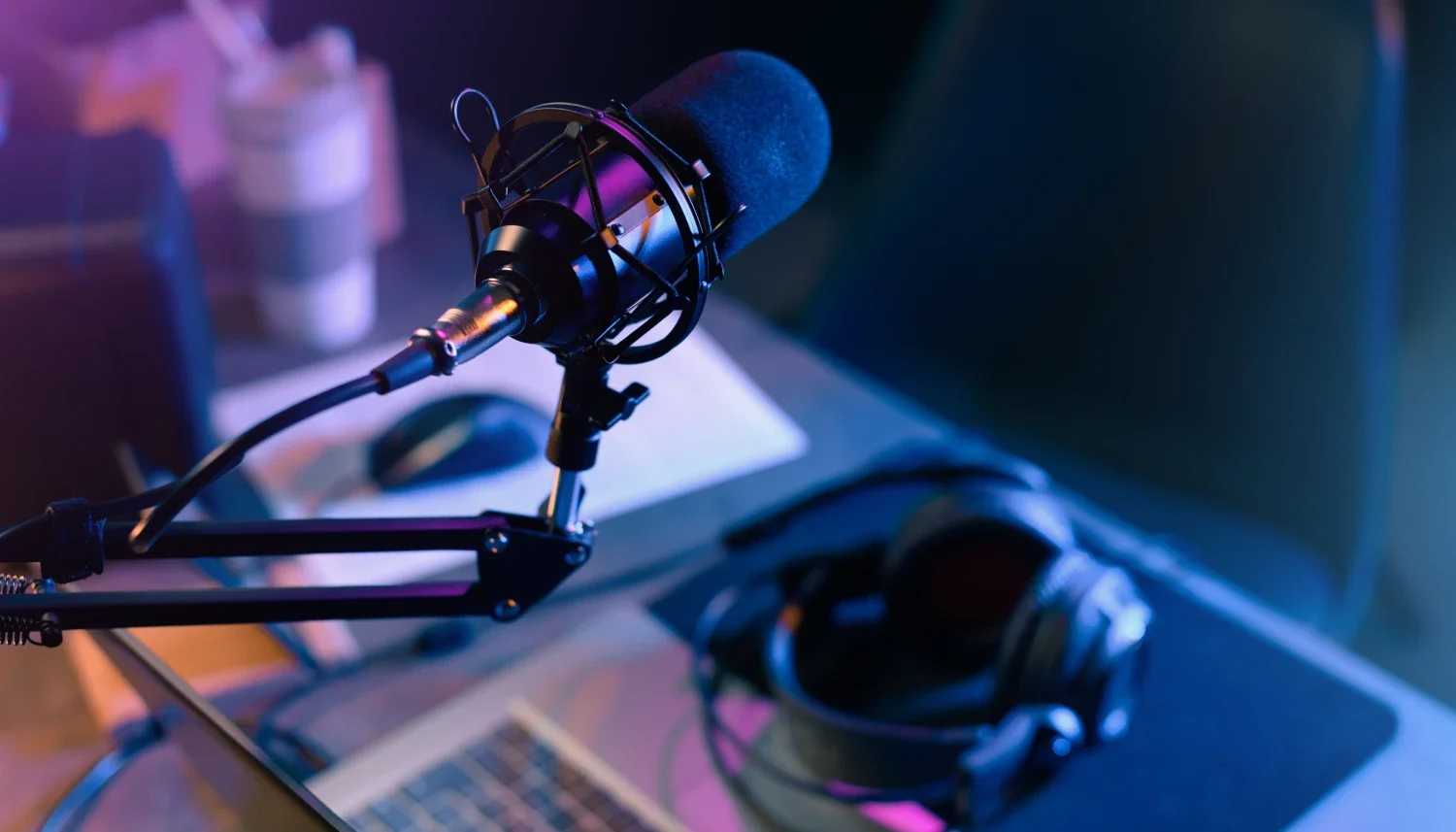
What makes a room have good acoustics? The answer to this question can make your podcast stand out with clear sound quality. It can mean the difference between your listeners staying riveted for full episodes or switching to podcasts that are much easier to understand.
Having a reliable podcast recording setup is important, but it’s not the only thing affecting audio quality. Where you make the recording plays a crucial role as well. Sometimes it’s not enough to be in a quiet room with minimal distractions. Let's talk about what makes good acoustics and how the small details work in improving podcast sound.
What Makes Good Acoustics?
Good acoustics differ according to the room’s purpose. For example, your requirements for podcast recording acoustics will not be the same for a concert performance. Not every space will give you the audio quality you need because of the way it is built, what’s inside and outside, and how you use it.
These key elements define good room acoustics.
Optimal reverberation time
Sound in the room should break down gradually instead of ending abruptly for good podcast quality. This way, audio clarity is preserved, making your recording more enjoyable to listen to for longer times.
Minimal background noise
Less noise in the background means less effort for you to make yourself be heard clearly. Imagine how difficult it would be to compete with construction work outside your home while you are in the middle of recording. Without distracting, unnecessary noise, your listeners can fully focus on you and your content.
Appropriate sound level
Good room acoustics for podcasts allow you to speak without too much effort to be heard. While recording, you should be able to use your normal speaking volume without compromising clarity for your listeners.
Uniform sound distribution
Sound should be consistent throughout the recording environment. Ideally, there are no spots where the sound seems too loud or too muffled, which can affect podcast audio quality.
No distinct flutters or echoes
For a room to have good acoustics, it shouldn’t have reflections or bounce back of sounds that can take your listeners’ attention away from your voice. What seems to be a small echo can be magnified, sacrificing the clarity of your recording.
How Can You Improve Podcast Audio Quality?
Try these simple fixes.
Minimise background noise
Check the room for sources of unwanted sound so you’ll know how to best deal with them. Remove items that can make unwanted noise, examples of which are fluttering decorations, lightweight furnishings, and even blinds that rattle.
Boost sound absorption
A bare, spacious room isn’t the most ideal setting, but it can still be a good podcast recording setup after a few tweaks. Use curtains or rugs to absorb sound so your voice doesn’t echo. You can also add a few pieces of upholstered furniture to fill up the extra space and improve sound absorption.
Soften walls and ceilings
Hard walls and ceilings reflect sound waves, making them common culprits for echoes. Make these surfaces more conducive to podcast audio quality by softening them with acoustic panels wrapped in fabric that can effectively absorb sound.
Fortify floors
Even when you stay seated while recording, the bare floor can transfer vibrations that might affect audio quality. In a pinch, you can use rugs to reduce the risk of sounds reflecting on the floors. On the other hand, soundproof overlays or acoustic flooring are better options as long-term solutions.
Insulate from external sounds
Sometimes the room isn’t the problem, but what’s outside. To seal out unwanted sounds, you can enhance the walls with acoustic foam panels that also absorb echo and flutters. It’s also good to check if there are spaces around doors and windows where outside noise can creep in, and seal them accordingly to improve room acoustics for podcasts.
Struggling with podcast audio quality? Ancoats Podcast Studio in Manchester has a dedicated, fully-equipped recording space where we manage the technical side, so you can fully focus on your performance.
FAQs
-
Yes. Your podcast will definitely sound a lot better after sound treatment removes background noise, echo, and flutter. The result is your voice coming through more clearly, making it easier to connect with your listeners and viewers.
-
These panels prevent sound from being reflected in rooms with hard surfaces. They remove the hollow sound to make your audio clearer, more professional, and easier to listen to. You can install these panels on ceilings and walls for efficient echo absorption.
-
Yes! You can start by looking for items that are readily available - such as rugs or curtains - and placing them strategically in the room you want to improve acoustically. This way, you don’t need to shell out quite a bit (or at all) while improving podcast sound quality in the space you choose.
-
In a professional setting, you will have everything you need already set up according to your requirements. You don’t need to go through the stress of thinking about what makes a room have good acoustics, because the recording studio is already geared for that purpose. Plus, you will have the technical side covered by professionals, so you can focus solely on your recording.
-
Aside from improving the room’s acoustics, background noise is efficiently controlled with proper microphone use (a dynamic mic works best for more focused audio), and post-production editing, often with AI tools.
Need a hand with your podcast?
If you need help with audio and video, editing or promotion, Ancoats Podcast Studio has got you covered. Prices start from £100 per hourly session. You’ll get access to 3 Sony A7III cameras which provide crystal-clear visuals, and 4 RØDE PodMics, designed specifically for podcasters. These mics have a built-in pop filter to minimise sound disturbances, and the entire studio is acoustically treated to eliminate background noise.
You’ll get technical support and editing advice from our expert studio manager, and at the end of your session we’ll make sure we get your files to you with a Google Drive link.
If you’d like to make a booking or just want further information, contact us today at hello@ancoatspodcaststudio.co.uk.
