
How to Start a DJ Podcast
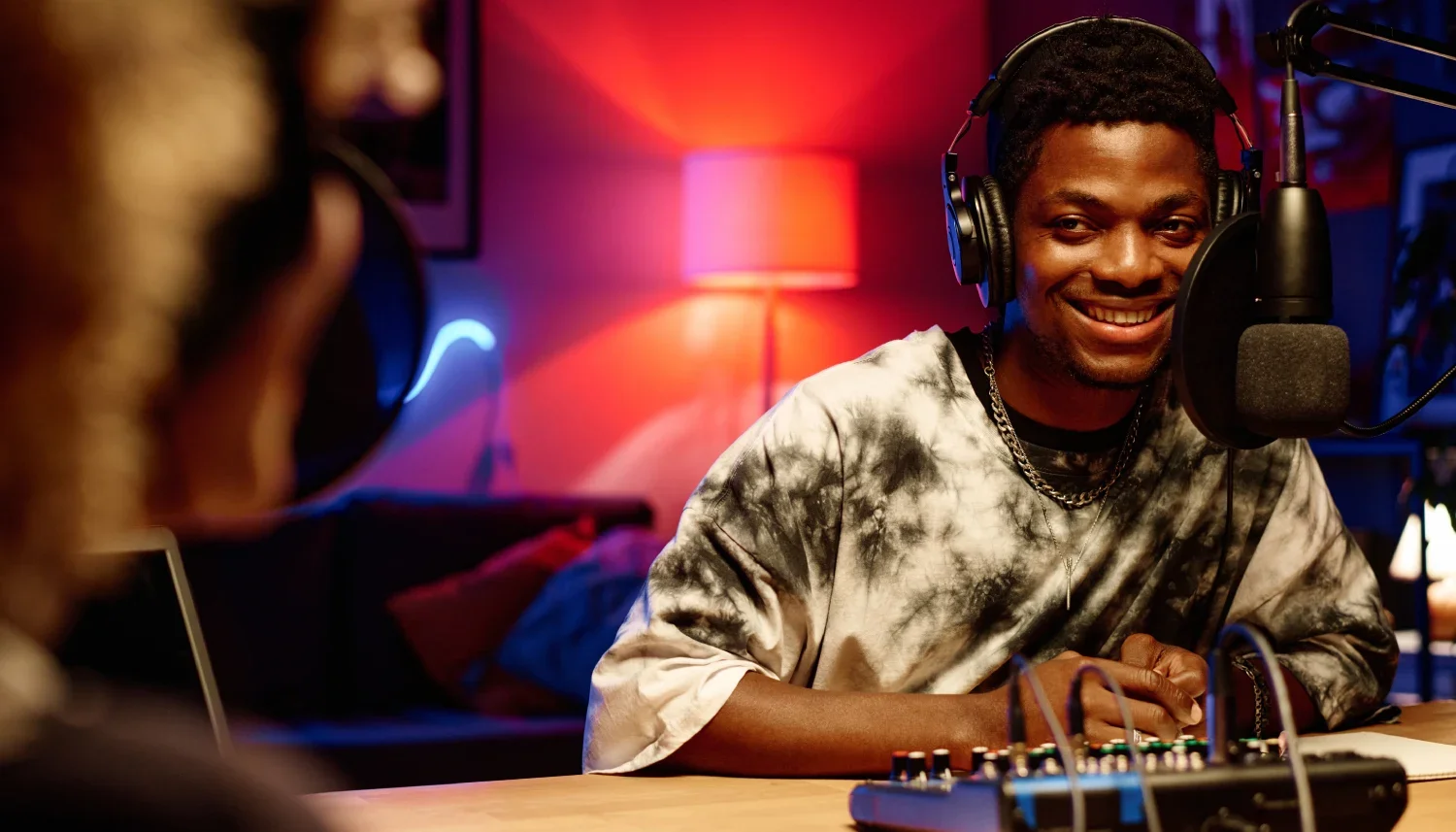
You spent hours on that mix. You posted it, shared it, tagged everyone… and 43 people listened. If that sounds familiar, learning how to start a DJ podcast could be the thing that finally changes it.
A podcast can be a great way of reaching new audiences and developing stronger connections with existing ones, creating monetisation opportunities and getting your name and brand out there. While some DJs keep their shows purely music-based, others use their podcast as a platform to interview other artists and stay connected with their fans.
But even when you’ve decided to take the plunge and launch your podcast, it can be difficult to know how to make it work for you.
What Makes Good Acoustics?
Promoting your music is much easier than it used to be, when to get noticed, you’d often have to drop your CDs or mixtapes in the post and hope that someone at one of the clubs would want to play them. While some DJs still choose traditional routes or publish all their music on their own website, many now choose to start podcasts.
Create a fan community
Creating a podcast can deepen your connection with your fans. They won’t only be hearing your music, but also your personality, especially if you have guests on or have spoken segments rather than just audio. Hosting giveaways and giving your fans the opportunity to subscribe to premium episodes can also deepen this connection.
Get your music heard by new listeners
Getting your music on platforms such as Spotify or Apple Podcasts can open your music up to new audiences and let them find you. While you might already have a following among local fans or followers of the genre, these platforms help you grow your audience around the world and promote you to people already listening to similar music.
Develop your brand authority
With a podcast, you can host interviews with other artists, producers, music industry professionals and even fans. You can establish yourself as someone credible, who is worth listening to beyond your tracks.
Monetisation opportunities
As your show grows, you could gain opportunities to attract additional sources of revenue; for instance, many podcasts also offer premium, subscription-only episodes. A larger audience could potentially lead to sponsorships, merch sales, collaborations with other musicians and affiliate deals.
How DJ mixes became podcasts
DJ podcasting is not a new phenomenon, and has been around since the advent of the podcast itself. While the term ‘podcast’ often now refers to talking-only content, it originally meant scheduled audio content released in episodes.
When the Apple iPod was released in 2001, this enabled many more people to listen to digital audio on the go, helping speed up the shift away from physical CDs and cassettes. When Apple added podcast support in 2005, this gave DJs the ability to distribute their music through RSS feeds and release new tracks and mixes in separate episodes. Users could now subscribe and get every new mix automatically.
It’s now easier than ever to turn your DJ set into a podcast, by recording it as you stream or perform, editing and mixing your tracks and publishing it through an RSS feed, either directly to your own website or to a publishing platform (such as Buzzsprout or Podbean, as long as you have the rights to the music, or the show is talk-led). That's why some DJ sets are still called podcasts today.
Things to think about before you start a podcast
According to an article in Forbes, 90% of podcasts do not make it past their third episode; podcasting takes dedication to make it a success. With this in mind, there are a few things to consider before you start a podcast in order to get the best out of your show.
Don’t worry if you don’t know the answer to all of these when you sit down to record your first episode; it’s OK to experiment with different ideas to work out what works.
Decide on a format
Do you want to release pure mix sets, a mixture of music and conversation, or talking only? Releasing mixtapes on Apple or Spotify can create copyright issues, so we suggest using Mixcloud or a similar platform for these. We’ll cover this in more detail below.
If you decide on a talking-only show, while this can be rewarding and help to build your profile, you may find that your focus shifts towards speaking rather than the music itself.
Copyright and licensing
One of the disadvantages of using a mainstream podcast platform such as Apple or Spotify for a music-only podcast is that music tracks and unauthorised mixes can be taken down, even if you have the rights to them. Spotify’s own policy states that podcasts shouldn’t be used to distribute music or DJ mixes, so if you want your music on Spotify you’ll need to go through Spotify for Artists or a music distributor.
Alternative platforms focused on music, such as Mixcloud, can handle the licensing and copyright aspects while you get on with uploading your sets. This is because Mixcloud permits user-uploaded DJ mixes and operates blanket licences, similar to those for a digital radio station, whereas Spotify’s listings are much more tightly controlled, and the platform deals directly with music labels.
Choose your niche
Think about who your target listeners might be. Are they dedicated fans of a specific genre, music lovers looking around for something new to listen to, or other DJs and industry professionals?
Brand and identity
Give your podcast a memorable title with a clear, concise description. We also recommend creating artwork for your show which reflects the vibe.
Publishing schedule
Assess how much time you have to record, edit and publish your show. In podcasting, consistency matters far more than frequency, so aim for a schedule that is realistic and sustainable for you.
What equipment do you need for a DJ podcast?
You don’t need high-tech equipment to start a podcast, but if you’re releasing your sets or combining interviews and banter with your music, high-quality audio may be the difference between a like and a subscribe. Try to make sure your recording environment is soundproofed too - noises from the street, dogs barking and so on might be funny to start off with, but may start to annoy your audience.
At Ancoats Podcast Studio, we offer:
Four PodMics by RØDE
Three Sony A7 III cameras for live broadcasting and editing
Flexible lighting options
A Mac mini for mixing, editing and streaming your work
A Blackmagic ATEM Mini Extreme for powerful live switching between cameras
You are also welcome to bring your own deck, mixer and speakers so you can test how your music sounds; just let us know in advance.
What software should you use for a DJ podcast?
There are more options than ever to help you create professionally produced DJ podcasts, with a variety of both free and subscription-based packages on the market.
If you’re recording a live mix, for example in a club or during a streaming session, the hardware you’re using to play your tracks will usually provide industry-standard built in software for you to convert your set into an audio file. Our clients recommend Rekordbox (for Pioneer or AlphaTheta hardware), Serato DJ Pro, Traktor Pro, Algoriddim djay Pro, and others.
If you’re recording a radio-style voiceover between your tunes, or you’re keeping your podcast largely spoken or conversation-based, then we recommend a Digital Audio Workstation (DAW), a software package allowing you to record and edit multiple tracks at the same time. At our Manchester studio, you are welcome to either use your own software or use the package pre-installed on our Mac mini.
If you’re using your own software, we recommend:
Audacity is free software which allows you to record, edit and export multi-track recordings.
GarageBand is Apple’s free digital audio workstation (DAW) with extensive support for artists and podcasters.
DJ.Studio (Paid) is designed with DJs and music producers in mind for easy track arrangement, seamless transitions and export options.
Should my DJ podcast include video?
Not every podcaster creates video podcasts, but they have become an increasingly popular medium and may help you build a deeper connection with your audience. Video content can also easily be repurposed for social media, including TikTok and Instagram Reels. Having a presence on sites such as YouTube or Vimeo can help bring your podcast, and your music, to a wider audience. However, many podcast listeners prefer to listen to audio podcasts, and some creators may find that on video they are more self-conscious about how they come across.
Pros and cons of video podcasts
| Advantages | Disadvantages |
|---|---|
| Potentially greater monetisation opportunities with video | Production costs are often greater with video podcasts |
| Putting your show on YouTube can reach people who don't use podcast apps | Video files are usually larger and more complex to edit |
| Potentially more opportunities for branded visual content | More studio space is usually needed to record video podcasts |
| Often easier for Instagram, TikTok or YouTube Shorts | Errors in filming can be unforgiving for inexperienced or new podcasters |
| Facial expressions can help create a stronger audience connection | Some listeners prefer audio podcasts |
| Body language can help you feel more relatable | Cameras may make you or your guests nervous or awkward |
Book your DJ podcast recording slot in Manchester
A great mix deserves more than a handful of plays. A DJ podcast gives your music a regular home, a crowd that comes back for every episode, and a reason for new listeners to find you.
Manchester has always rewarded DJs who show up week after week, from the Haçienda days to the club nights packing out the city now. Recording your show at a Manchester DJ podcast studio puts you right in the heart of that scene.
If you’re making your debut as a DJ podcaster and need a professional studio, Ancoats Podcast Studio is here to help. Our studio is soundproofed, with plenty of space, customisable backdrops, lighting and seating, and professional-grade equipment. We offer slots from 1 to 8 hours, so you can take as long as you need to perfect your podcast, and offer support for both live streaming and pre-recorded sessions.
Pick your slot, bring your mixes, and let's get your music heard.
Book your recording slot
Frequently asked questions
-
Our recording slots start from £110 and for that, you’ll have access to all backdrops and seating options, professional support, and audio-visual recordings. You’ll find more information on our booking page.
-
Yes - we offer support for live podcasts, streaming and virtual events, including webinars and product launches.
-
Yes - we offer a choice of seating arrangements to suit solo podcasters and creators who are hosting guests, including sofa and armchair combinations, high chairs, panel setups with two or more chairs, and more.
-
Yes. However, it’s important to note that you can only upload your mixes to Spotify if you have licences for every track used or own all the rights to the tracks. Before uploading your mix, you must ensure that you have copyright permission from everyone whose tracks you are using, and split every track into a separate audio file, while keeping the transitions intact.
Even if you own the rights, Spotify requires that you use a music distributor (such as RouteNote) to provide proper metadata and licensing.
Due to these limitations, you may wish to consider using YouTube or alternative platforms to upload full sets, such as MixCloud or SoundCloud. -
At Ancoats Podcast Studio, we use RØDE PodMic. We strongly suggest using this microphone as it provides a rich, deep and focused sound, making your vocals and music sound clear and professional. Additionally, the RØDE PodMic isolates your voice effectively, reducing any unwanted sounds. You also won’t need to buy extras for it as it has built in shock suspension and comes with a pop filter, and is robust and solidly constructed.
Need a hand with your podcast?
If you need help with audio and video, editing or promotion, Ancoats Podcast Studio has got you covered. Prices start from £100 per hourly session. You’ll get access to 3 Sony A7III cameras which provide crystal-clear visuals, and 4 RØDE PodMics, designed specifically for podcasters. These mics have a built-in pop filter to minimise sound disturbances, and the entire studio is acoustically treated to eliminate background noise.
You’ll get technical support and editing advice from our expert studio manager, and at the end of your session we’ll make sure we get your files to you with a Google Drive link.
If you’d like to make a booking or just want further information, contact us today at hello@ancoatspodcaststudio.co.uk.
